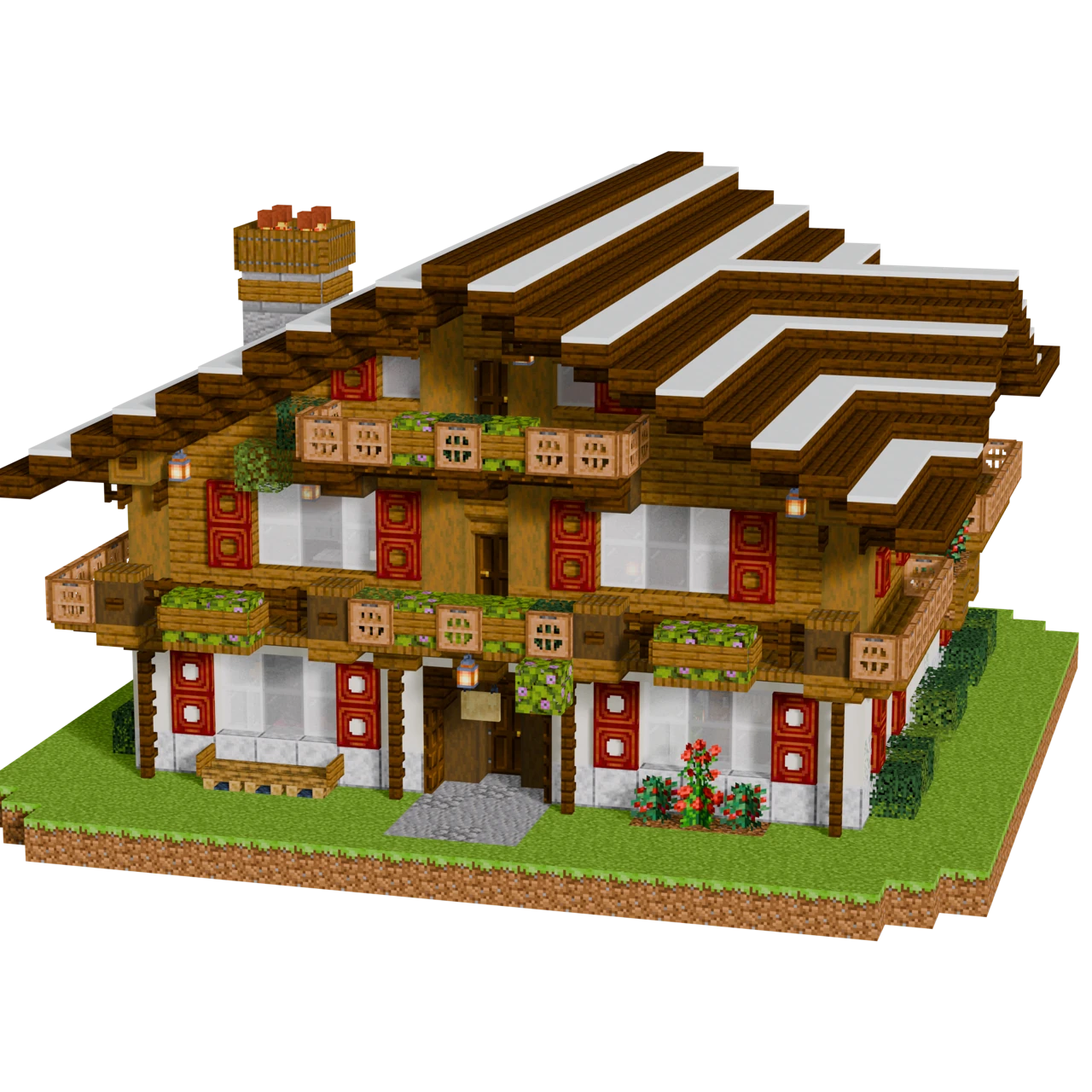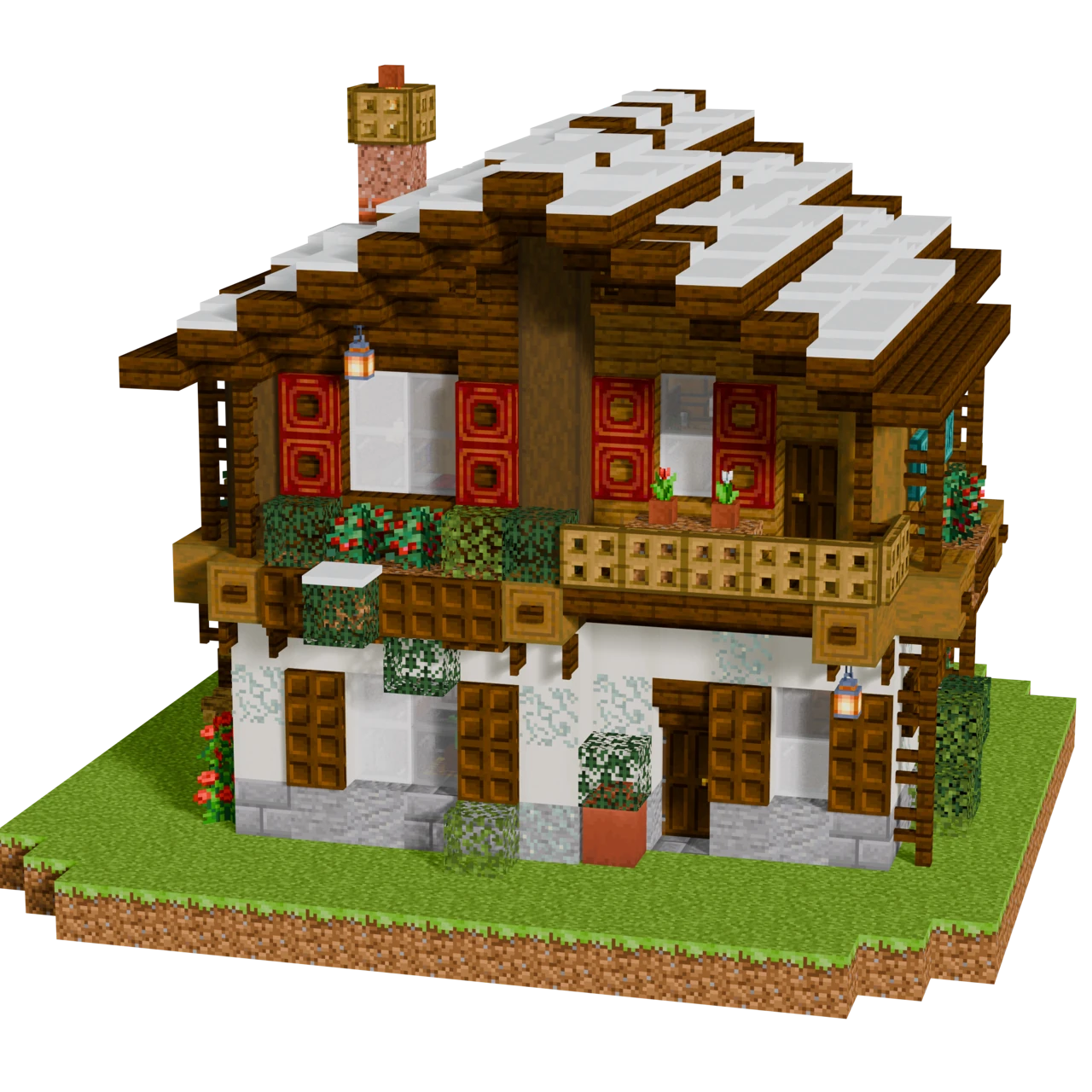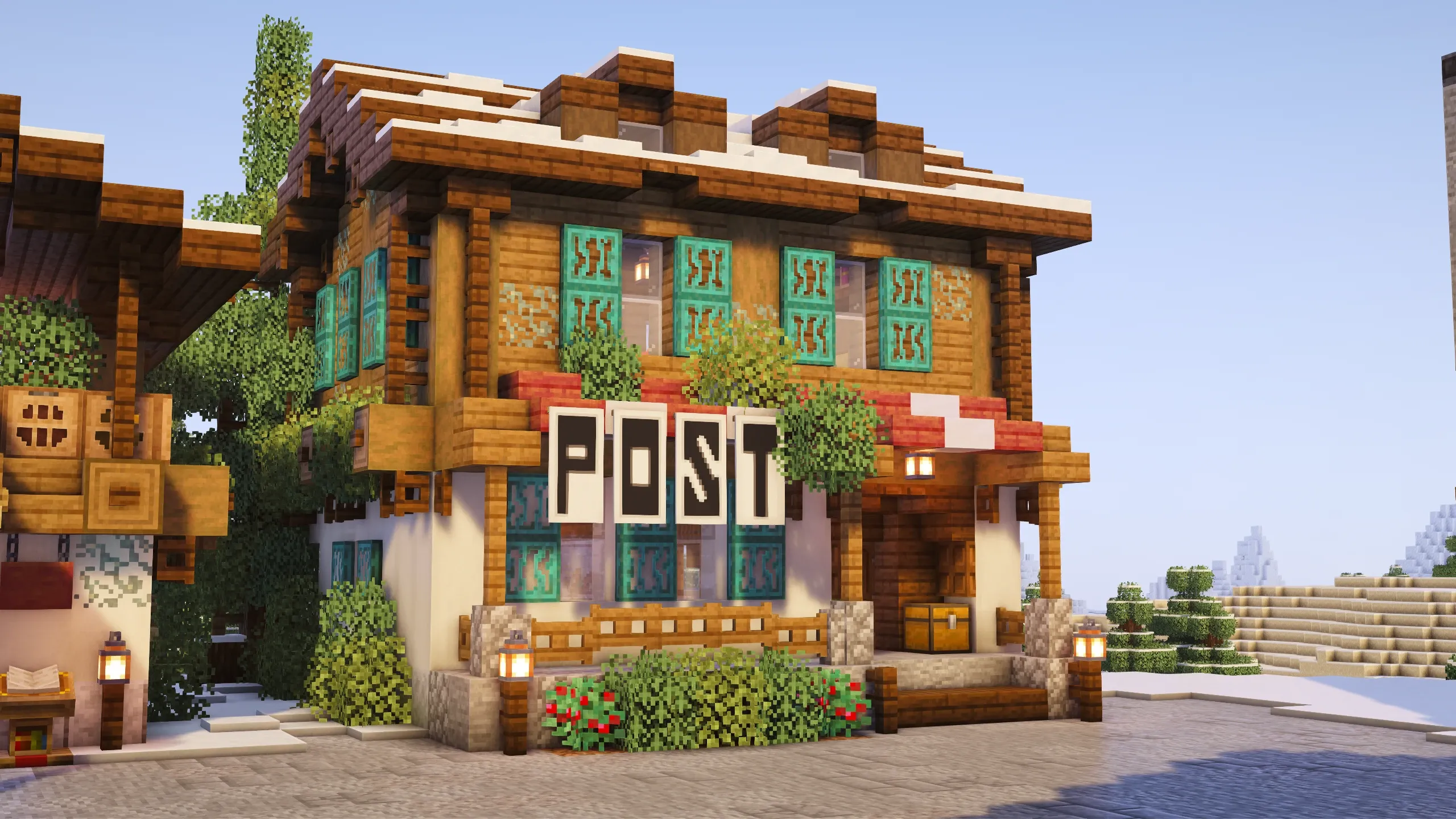
Alpine Post Office
Every build's full 3D + 2D guide, material list and downloads.
Unlock with VIP - £6.99/moAbout Alpine Post Office
A cozy Minecraft post office with a big POST sign across the front made of banners, a striped awning and patterned shutters under a snowy roof. Lanterns light the porch, with a bench and a chest by the door. Inside there's a service counter, plus desks and shelves for sorting the village mail on the upper floor. A great Minecraft build for snowy villages, mountain towns and Christmas worlds.
Alpine Post Office is a medium-sized Minecraft build, 15 by 16 blocks across and 13 blocks tall. It uses 1,388 blocks of 83 different kinds, placed over 464 steps in the 3D guide. The main blocks are 109 snow, 103 spruce planks, 101 dark oak slab, 89 bone block and 85 stripped spruce log. It is rated medium to build and takes about 1h - 2h following the guide.
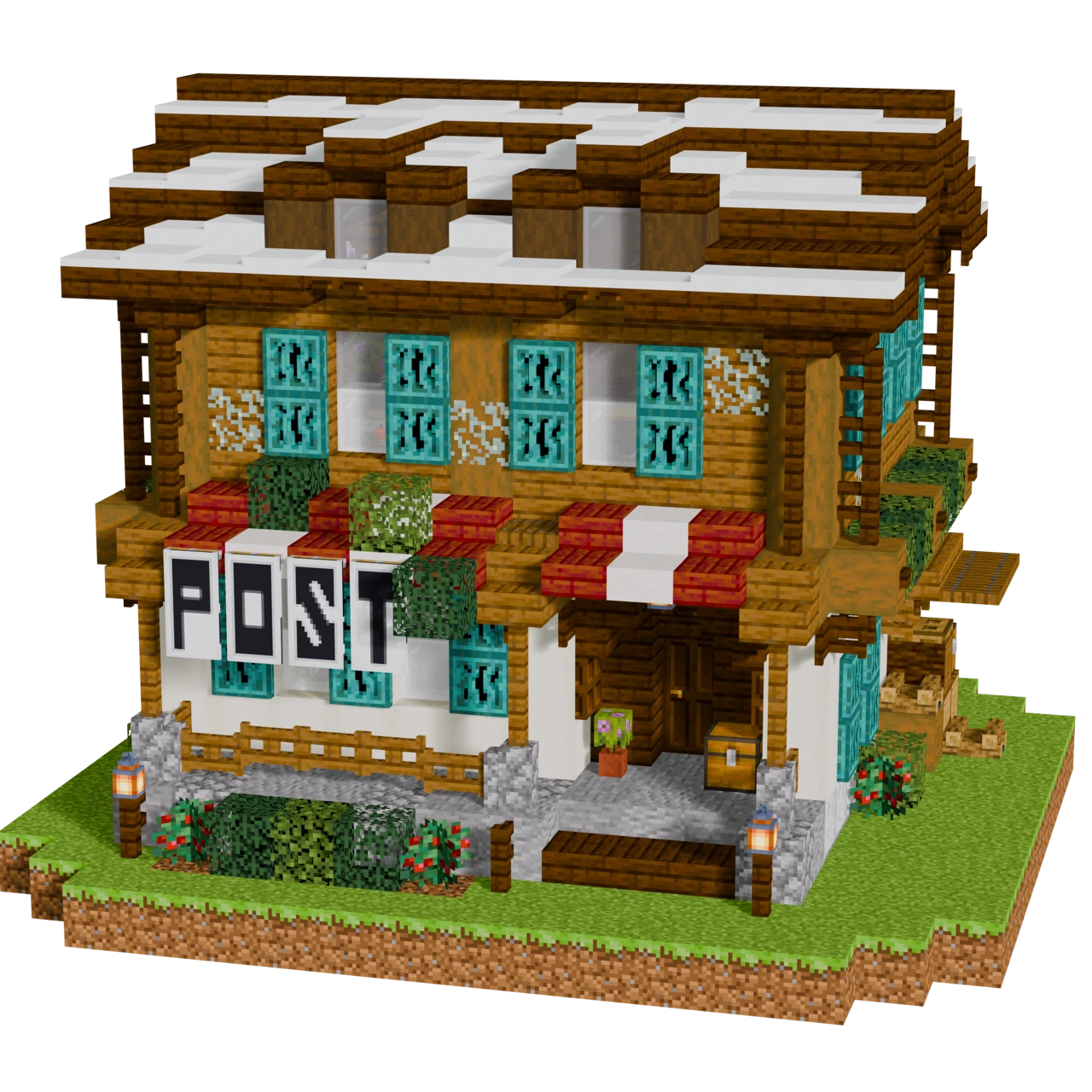
What's included
Step through the build step by step in a full 3D viewer. Rotate, zoom and see exactly where every block goes.
Every block counted and sorted, with checkboxes and progress tracking so you always know what to gather next.
Paste the build straight into your world with WorldEdit, or project it block by block with Litematica.
Walk around the finished build in-game, with world files for both Java and Bedrock (PC and mobile).
Community showcase
Built this in your own world? Share a screenshot. Every upload is checked by us before it appears here. See builds from the whole community
Other house builds
More builds of the same kind.
Popular this week
What people have been opening in the last seven days.
How to build Alpine Post Office in Minecraft
-
Open the 3D guide
Press the 3D guide button to load Alpine Post Office block by block. Rotate and zoom with the mouse, and switch between building it layer by layer or following the ordered step-by-step route.
-
Gather the materials
The material list counts every block in the build and sorts it, with checkboxes as you collect. Your progress saves, so you can close it and come back.
-
Build it, one step at a time
Each step highlights only the blocks it adds, so you always know exactly where the next block goes. Completed layers stay visible underneath for reference.
-
Or paste it straight in
Prefer not to place it by hand? Download the schematic for WorldEdit or Litematica, or the ready-made world for Java or Bedrock and walk around the finished build.
Common questions
Do I need to be good at building to make Alpine Post Office?
How long does Alpine Post Office take to build?
What blocks do I need for Alpine Post Office?
How big is Alpine Post Office?
Can I download Alpine Post Office as a schematic?
.schem file you can paste with WorldEdit or project block by block with Litematica, plus ready-made world downloads. Downloads for this build need a VIP membership.